Quickstart
Run the whole stack locally with zero configuration and watch a live deployment matrix fill in. No API keys, no database setup, no CI/CD wiring.
Prerequisites
-
Docker + Compose v2
docker compose version≥ 2.x. -
~1 GB free RAM
Headroom for the full demo stack.
Run the demo
The demo profile starts everything — Gateway, Frontend, API, PostgreSQL — plus a Demo Driver, GitHub Emulator, and Fetcher that generate realistic deployment traffic. Insecure defaults are applied automatically; nothing to fill in. No clone, no build — all images pull from GHCR.
One command via OCI artifact (recommended)
Pull the Compose project directly from GHCR — no clone, no curl, no local files:
docker compose --project-directory . -f oci://ghcr.io/kostiantyn-matsebora/deployment-dashboard-compose-demo:latest --profile demo up
To pin to a specific release version:
docker compose --project-directory . -f oci://ghcr.io/kostiantyn-matsebora/deployment-dashboard-compose-demo:0.12.1 --profile demo up
Why --project-directory .?
It points Compose at the current directory for .env/variable resolution. Without it, some Compose builds (notably on Windows) misread the oci:// reference as a local path and fail with a .env "CreateFile/no such file" error.
Availability
The OCI artifact is published automatically on each release. The :latest tag exists once the first release (v0.1.0) is cut. Until then, use the curl alternative below.
The demo artifact bundles the merged base + overlay files with image references pinned to exact digests — every up on a given tag is fully reproducible.
Alternative: fetch the compose files
If you prefer explicit local files (or the first release has not been cut yet), fetch the two compose files into a working directory:
curl -fsSLO https://raw.githubusercontent.com/kostiantyn-matsebora/deployment-dashboard/main/compose/docker-compose.yaml
curl -fsSLO https://raw.githubusercontent.com/kostiantyn-matsebora/deployment-dashboard/main/compose/docker-compose.demo.yaml
docker compose -f docker-compose.yaml -f docker-compose.demo.yaml --profile demo up
PowerShell
Replace the trailing \ line-continuations with backticks (`).
To pin to a specific release, replace main in the URLs with the release tag (e.g. .../v0.12.1/compose/...) and set DASHBOARD_VERSION=0.12.1 for a reproducible deploy — see Pinning a release version.
Then open:
| URL | What you get |
|---|---|
| http://localhost:8080 | The dashboard — live services × environments matrix |
| http://localhost:8080/demo/ | Demo Driver control panel — drive scenarios, reset state, watch event streams |
The gateway (:8080) is the only published port. Frontend, API, and PostgreSQL stay internal.
What you're looking at
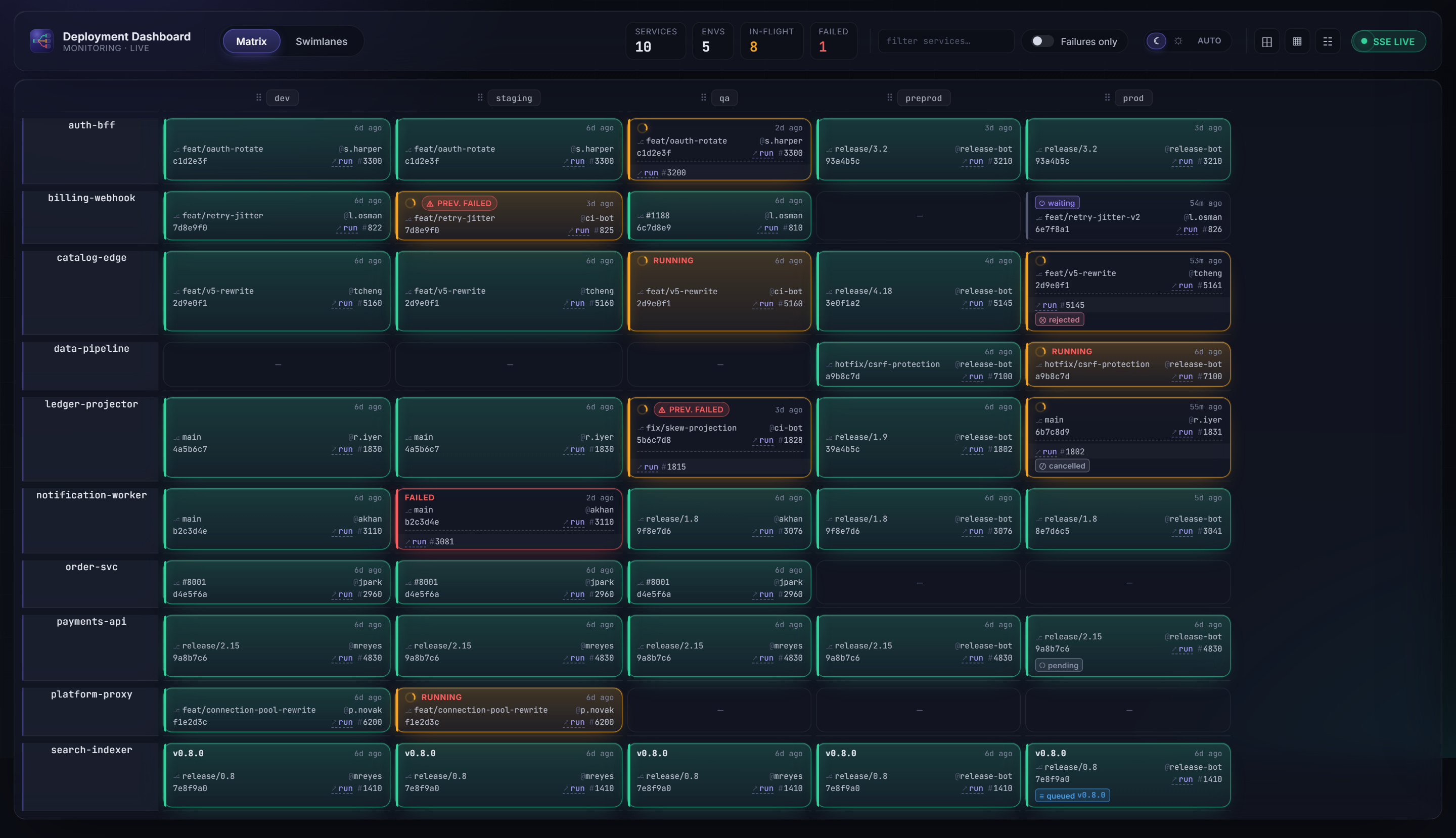
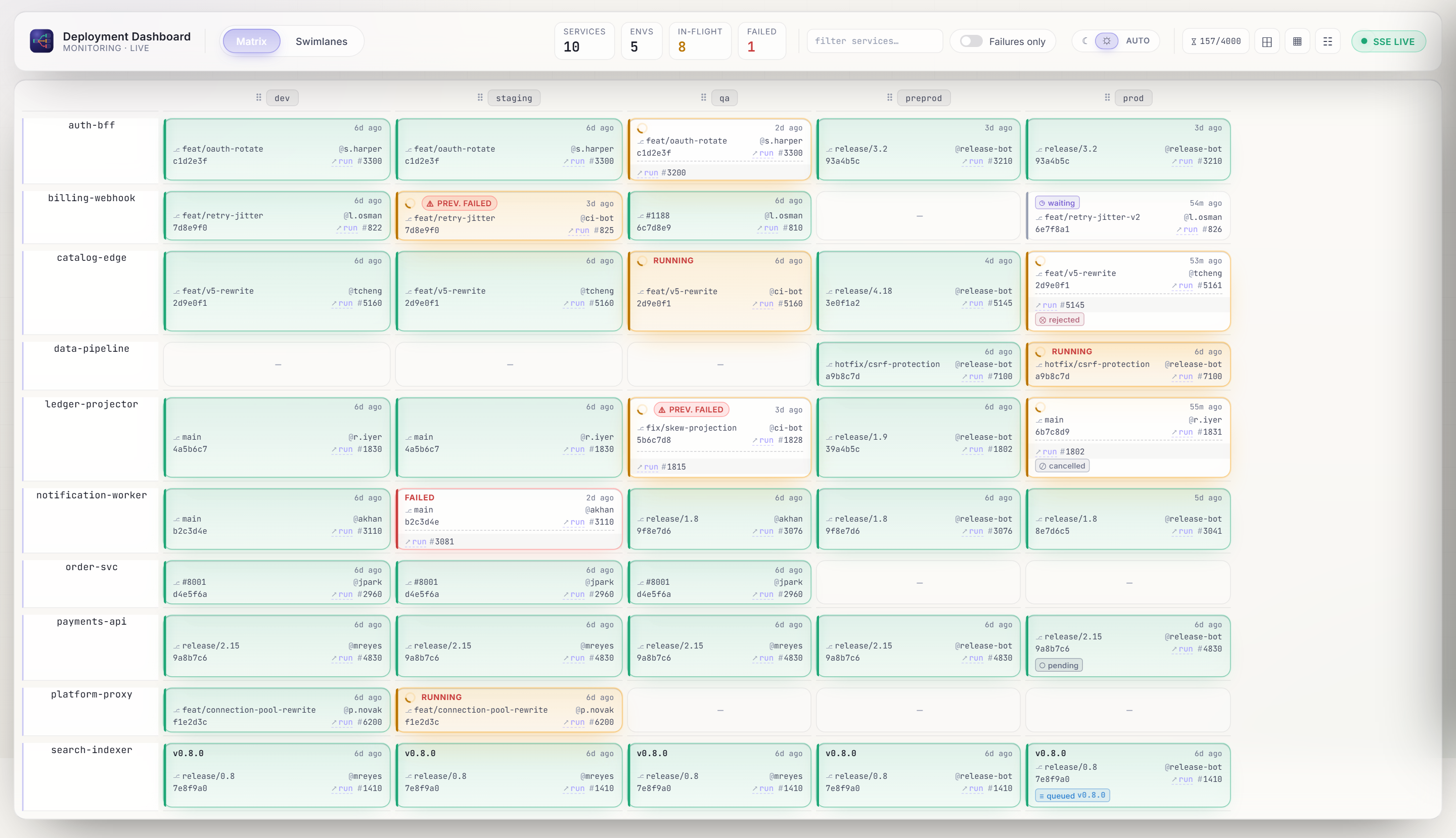
-
Matrix view
One row per service, one column per environment. Each slot shows version, status, actor, elapsed time, and a link to the CI/CD run.
-
Live updates
New deployment events stream to the browser over SSE — no reload.
-
Full history
Every slot keeps its complete deployment history; open the drawer to see it.
-
Analytics view
Switch to the Analytics tab to see DORA Four Keys (deployment frequency, lead time, change failure rate, MTTR) and eight supporting charts across a 7 / 14 / 30-day window. See Screenshots — Analytics and Configuration — API for the two tuning knobs.
Use the Demo Driver control panel to trigger deployment scenarios and a reset, then watch the matrix react in real time.
Next steps
| You want to… | Go to |
|---|---|
| Deploy this for your team | Install & deploy |
| Set the API key, database, retention, etc. | Configuration |
| Send real deployments from your pipeline | Integrate your CI/CD |
| Understand how the pieces fit | Architecture overview |
| Troubleshoot | FAQ & troubleshooting |