
Deployment Dashboard
A real-time services × environments deployment matrix, sourced straight from your CI/CD pipeline events.
Get started Integrate your CI/CD GitHub Built by Claude — see how
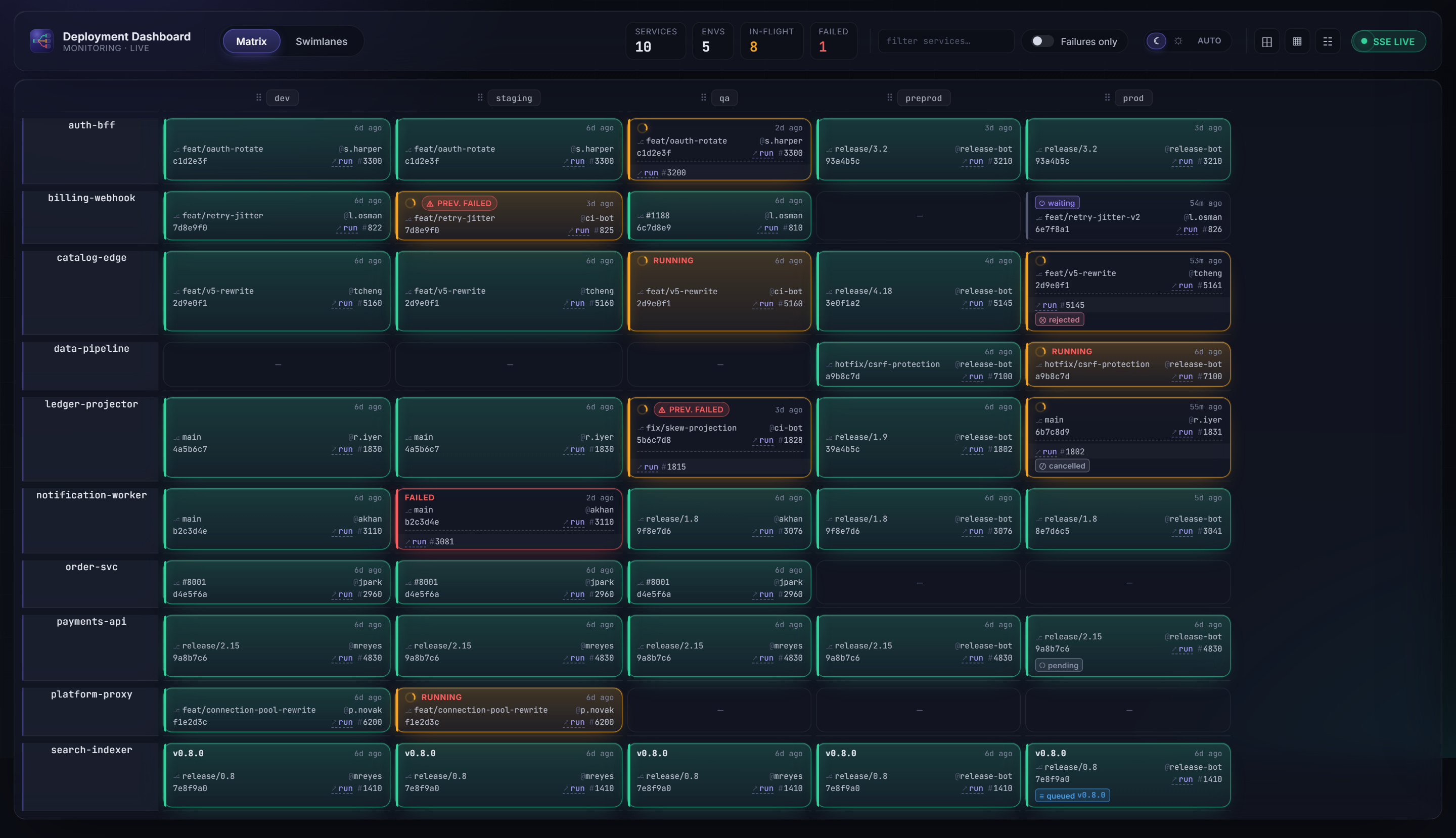
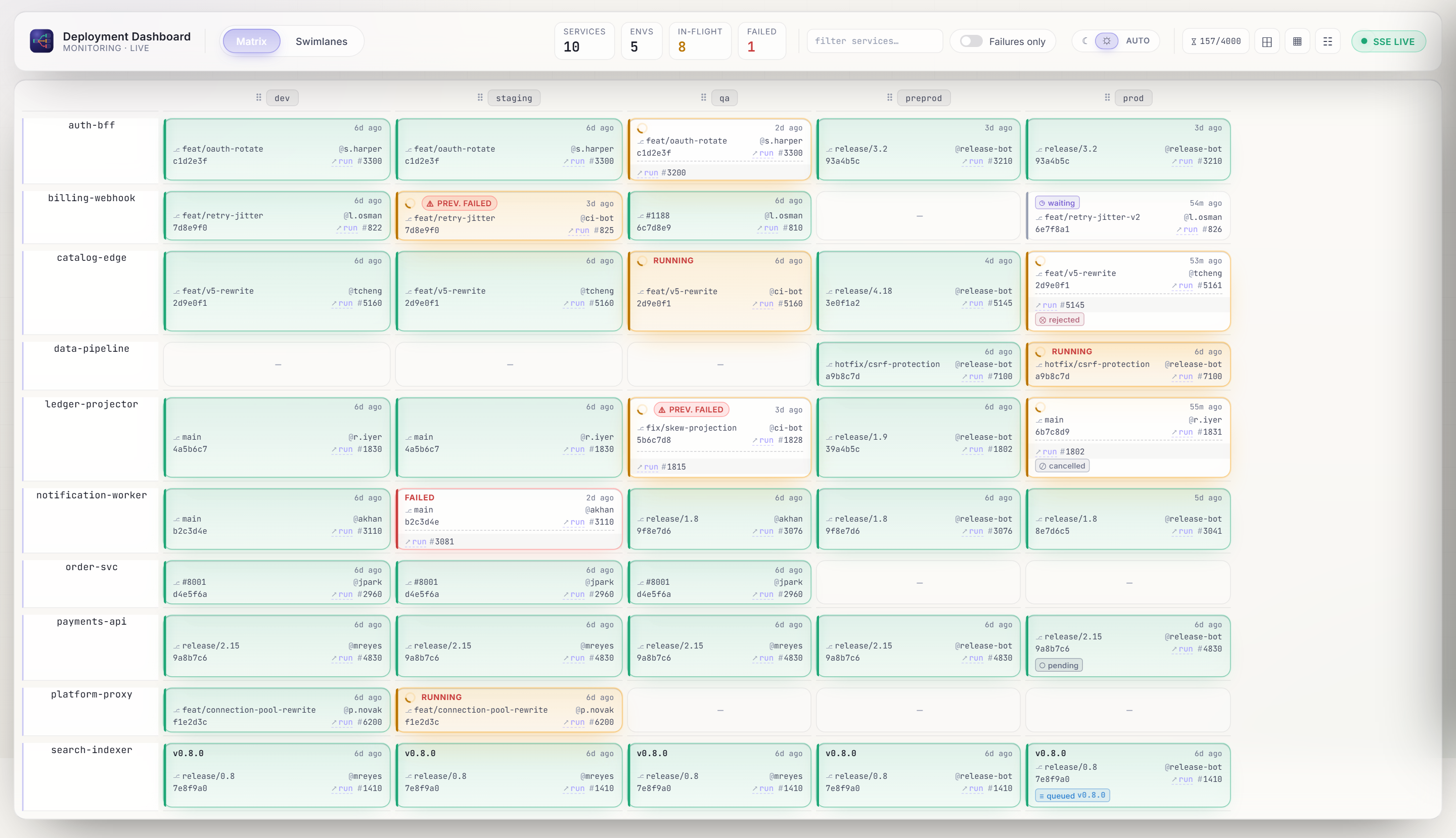
One row per service, one column per environment. Each tile shows version, status, actor, elapsed time, and a link to the CI/CD run.
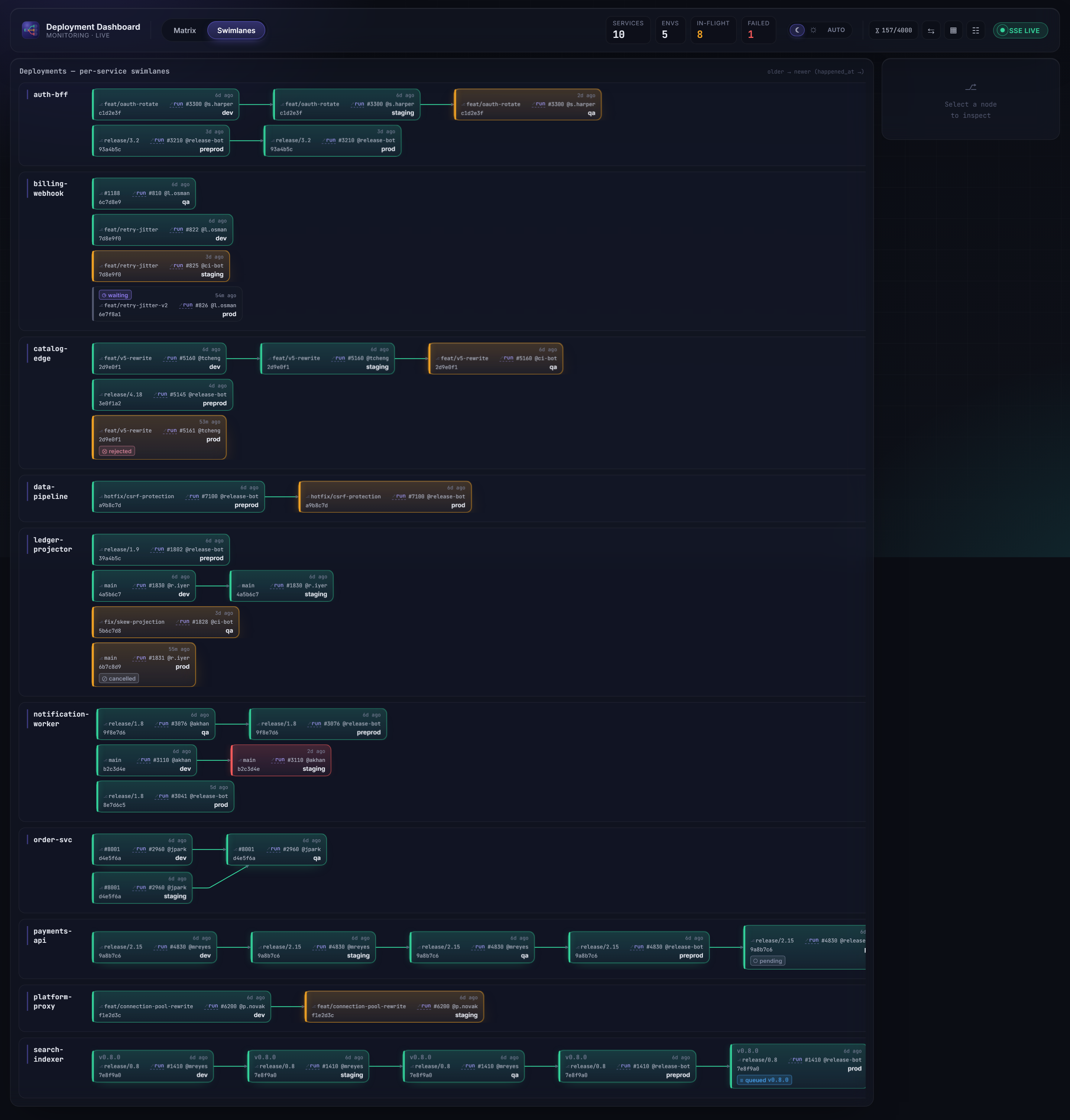
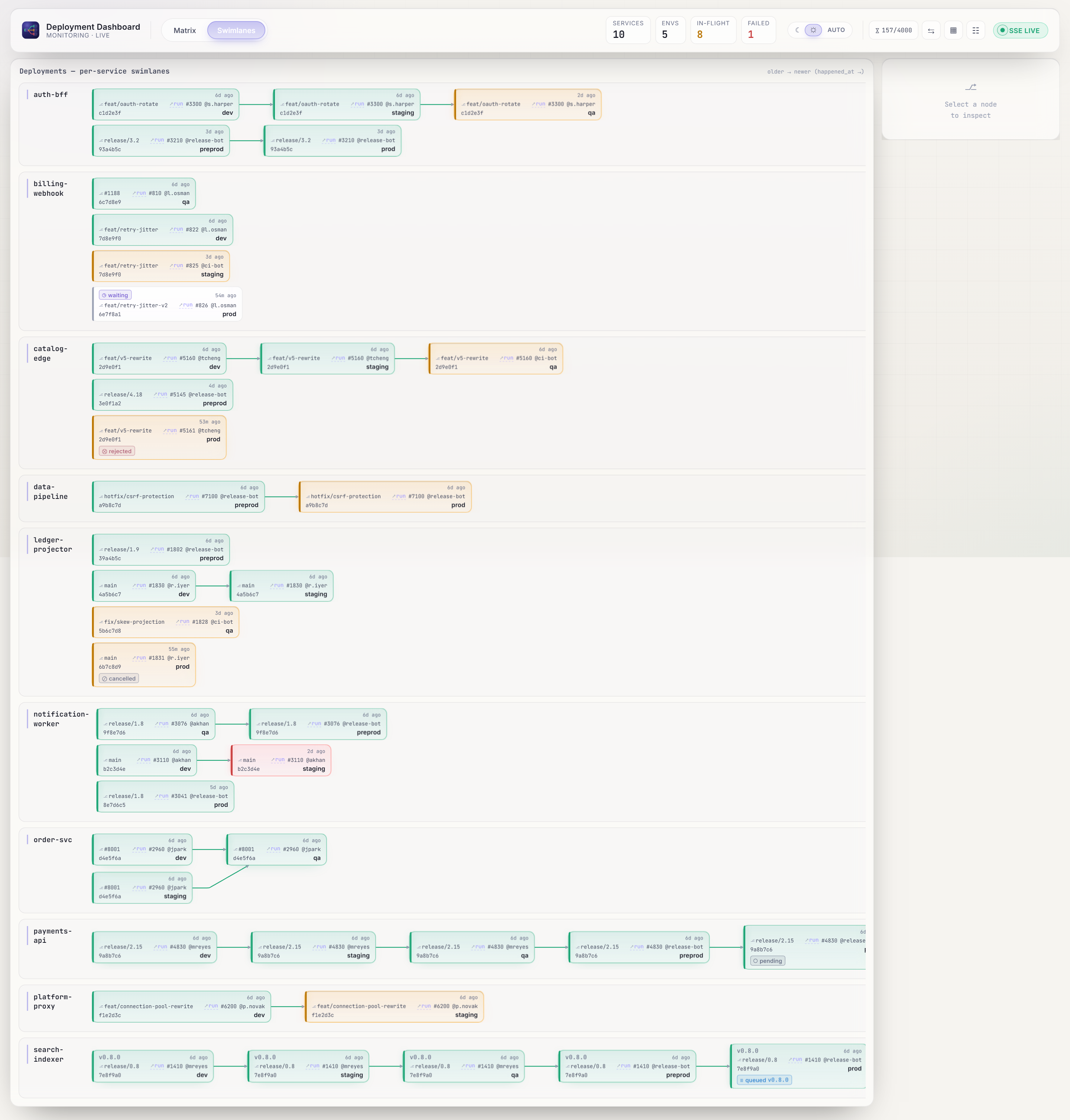
Per-service deployment graphs — see how a version flows from dev through to prod, with branching topology and status-colored edges.
DORA Four Keys — deployment frequency, lead time, change failure rate, and MTTR — plus eight supporting charts to spot delivery trends and regressions over 7, 14, or 30 days.
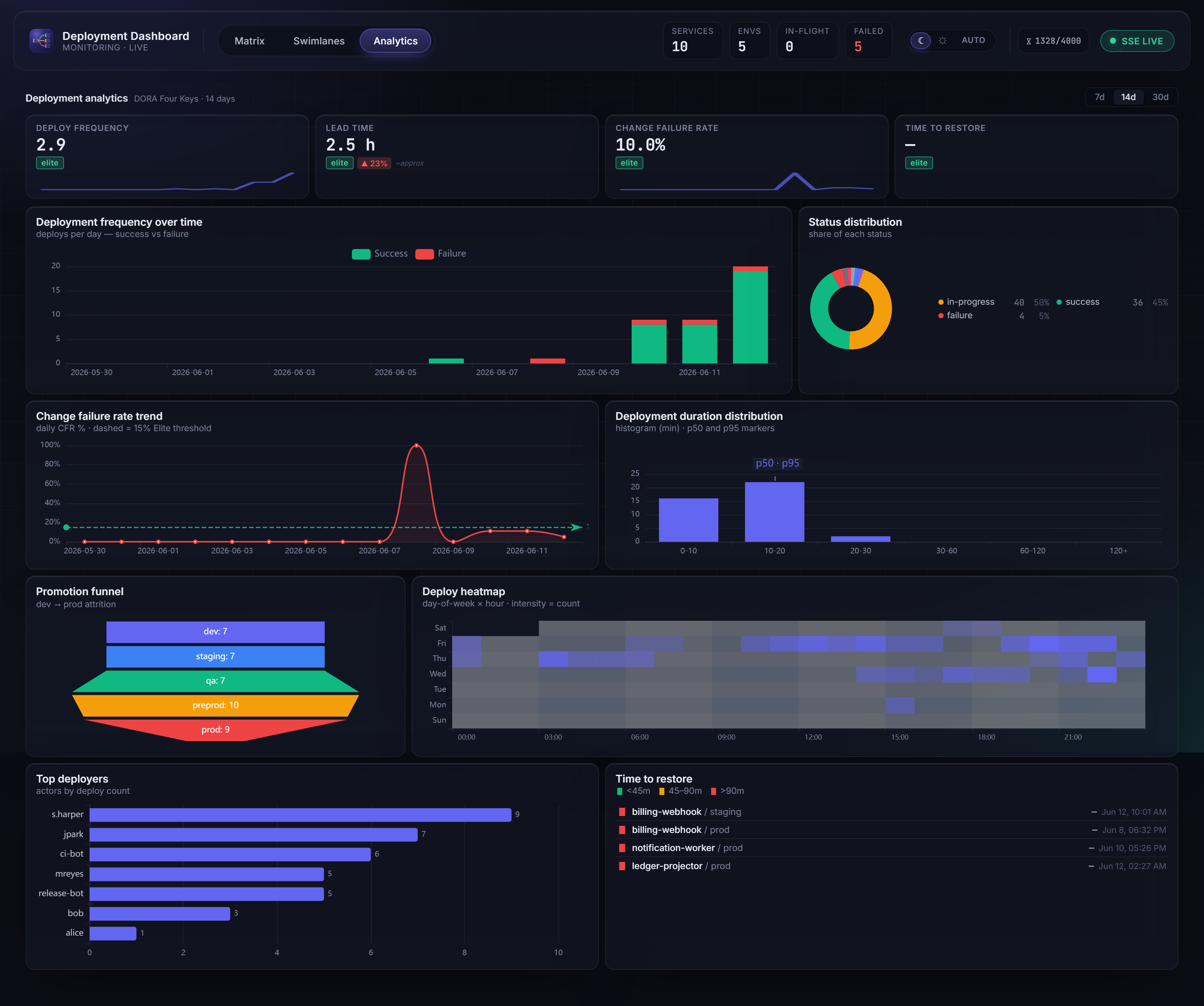
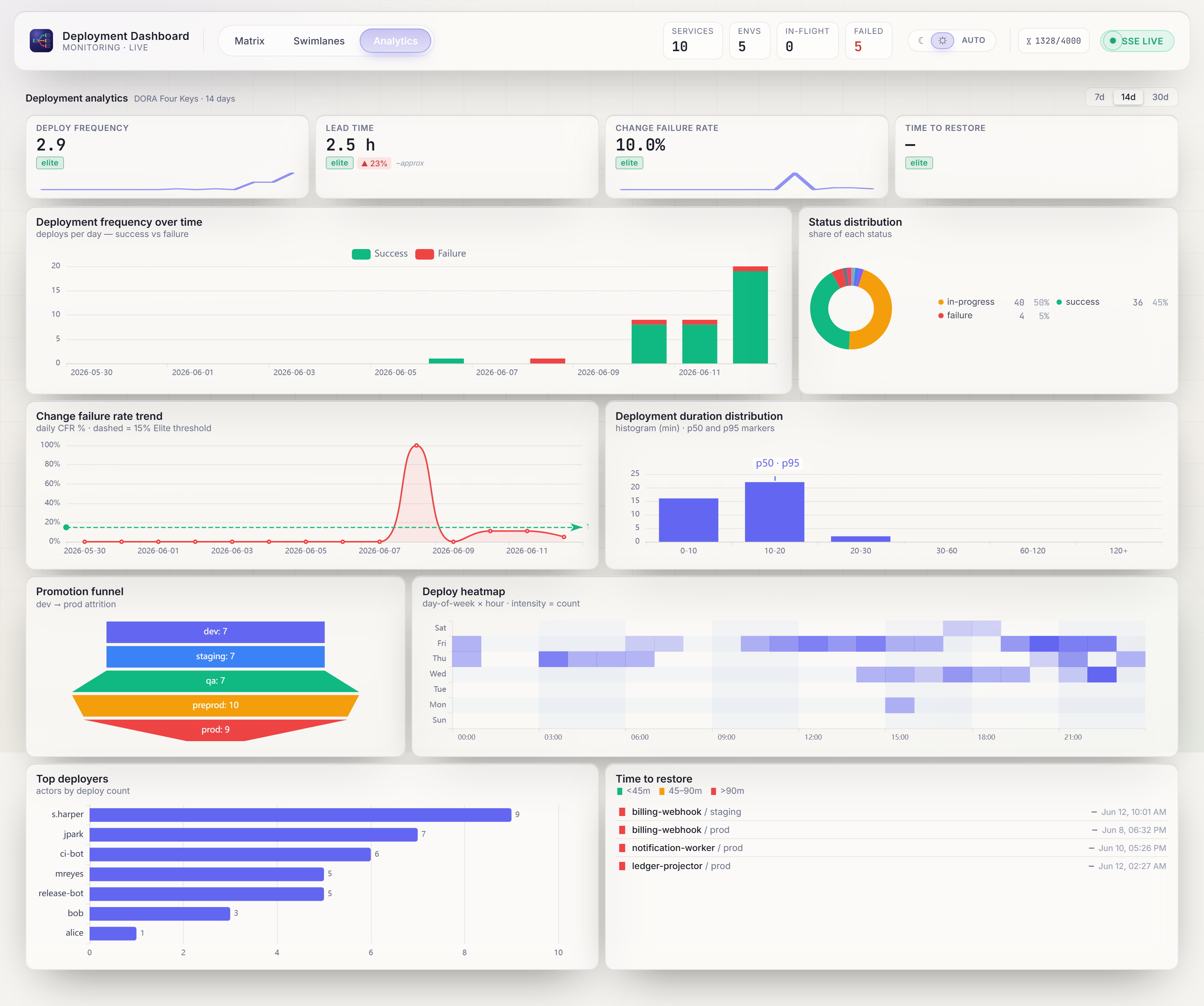
The question it answers: What version of service X is running in environment Y right now — and did the last deployment succeed?
Why Deployment Dashboard?
-
No pipeline rewrite
Integration is a single HTTP
POSTstep. No plugins, no agent to install, no migration — drop one step into the pipeline you already have. -
Tool-agnostic
GitHub Actions, Azure DevOps, Jenkins, GitLab CI — or a shell script. If it can call a URL, it can feed the dashboard. The backend never knows which tool you use.
-
Answers one question, instantly
What's running in prod right now, and did it succeed? One screen — every service across every environment, no clicking through pipelines and logs.
-
Live, not polled
Server-Sent Events push every state change to every open browser within seconds. The matrix updates itself — no refresh, no stale tab.
-
Full history, append-only
Every deployment is kept per slot (≥ 90 days, configurable). Nothing is overwritten; the history drawer shows the entire timeline of a slot.
-
Auto-discovers your topology
Services and environments are derived from the events you send. No registration, no config file, no hardcoded lists — post a new service and it appears.
-
Stateless & cheap to run
Scale API instances behind the gateway with no sticky sessions. Runs on any OCI container host; the reference Azure target fits in ~$30/month.
-
Secure by design
Writes are API-key gated; reads are internal-only and the SPA holds no secrets. You own the network boundary — nothing is public by default.
-
Pull mode when you can't push
Can't touch the pipeline? The optional Fetcher polls your CI/CD API and posts on your behalf — through the very same contract.
Pull mode also fits locked-down networks that forbid inbound WAN traffic: the Fetcher is outbound-only (it calls the GitHub API and the dashboard's internal ingest), so the dashboard never has to accept inbound connections from the internet — unlike push, where CI/CD must reach in to POST.
Send your first deployment
One HTTP call from your pipeline — that's the whole integration:
curl -X POST "$DASHBOARD_URL/api/deployments" \
  -H "X-Api-Key: $DASHBOARD_API_KEY" \
  -H "Content-Type: application/json" \
  -d '{
    "deployment_id": "build-42",
    "service":       "checkout",
    "environment":   "prod",
    "version":       "1.4.2",
    "status":        "success",
    "happened_at":   "2026-06-01T10:00:00Z"
  }'
GitHub Actions, Azure DevOps, GitLab & Jenkins examples
Architecture at a glance
A handful of containers behind one gateway: a stateless .NET API tier, PostgreSQL as the append-only source of truth, and an optional pull-mode Fetcher. The gateway is the only public surface — reads are internal-only and the SPA holds no secrets.


Architecture overview & the security model
Explore the docs
-
Run the whole stack locally in two minutes, zero config.
-
Compose profiles, production checklist, hosting notes.
-
Every environment variable, grouped by concern.
-
How the pieces fit, and the security model.
-
OpenAPI spec + human-readable guidelines.
-
Local setup, branch → PR workflow, conventions.
Looking for the full specification? The Development & reference tab covers the architecture (SAD), API contract, frontend design, services, and diagrams.